
GPU AI Server
Dedicated GPU servers for inference, agents, vector workloads, and AI labs.
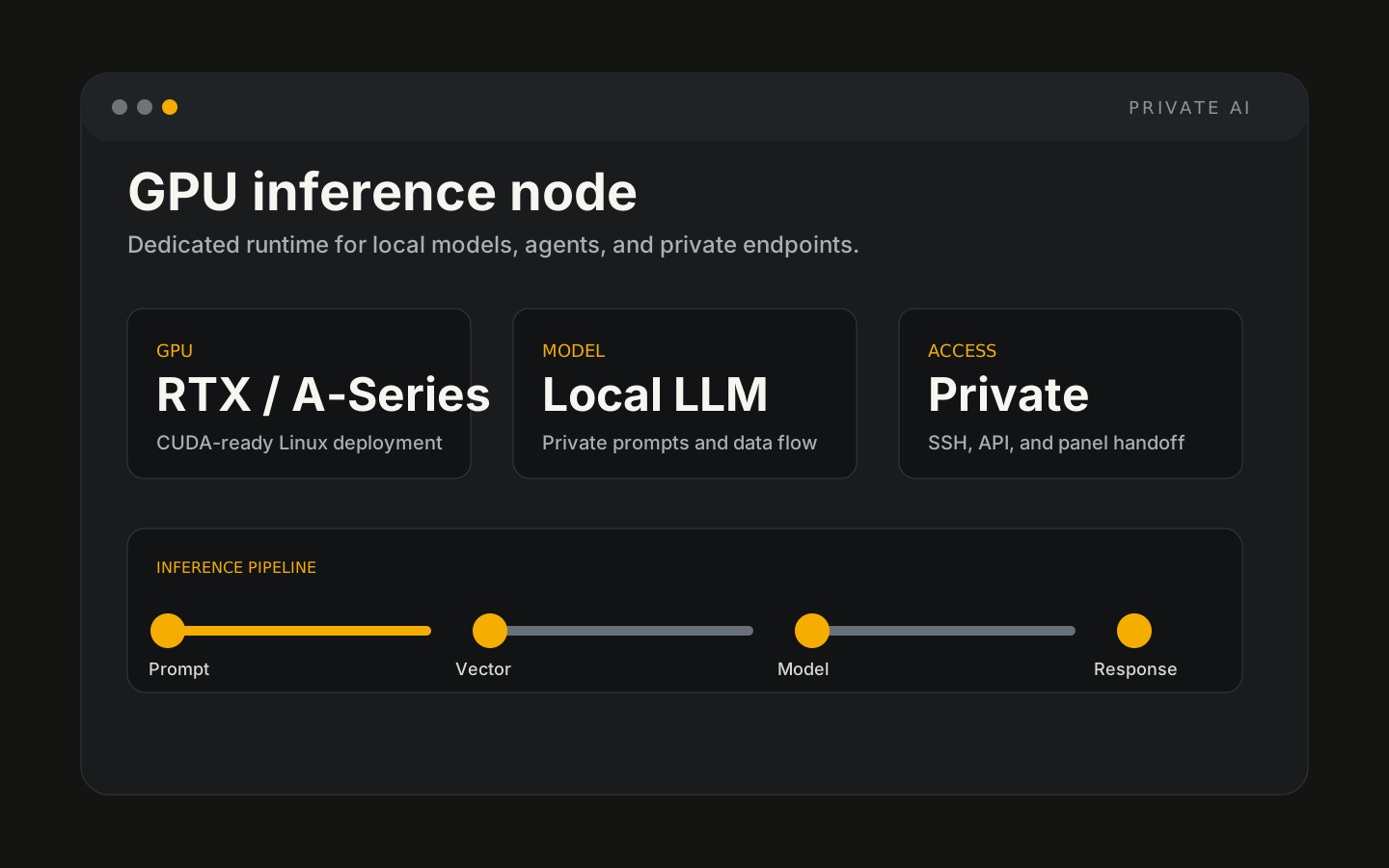
GPU AI Server hosted by Hosthink
GPU AI Servers give you dedicated acceleration for inference services, AI agents, image generation, vector search, and private experimentation.
GPU AI Server setup path
A quick scan of the product flow before you move from page evaluation to a working Hosthink service.
Review GPU fit
Start from the GPU server family that matches the model, memory, and workload profile.
Confirm stack needs
Choose whether you need Ollama, DeepSeek, a private LLM stack, or a broader GPU AI server setup.
Prepare handoff
Hosthink keeps the setup path clear so the server can be connected to your AI workflow.
Adjust as usage grows
Move to a larger GPU or stack configuration when model size, concurrency, or storage needs change.
Starter, Pro, and Advanced plans
GPU inventory and final sizing confirmed before deployment. Management scope confirmed before deployment.
GPU Starter
GPU Pro
GPU Advanced
Real workflows this supports
These are practical deployment patterns for teams using GPU AI Server inside AI, automation, internal tools, and operations stacks.
Inference APIs
AI labs
Model fine-tuning prep
Computer vision workloads
Features
Dedicated GPU inventory
CUDA-ready Linux
High bandwidth options
Root access
Private VLAN options
Managed handoff
Production baseline
NVIDIA GPU options
Dedicated CPU and RAM
NVMe or SSD storage
1 Gbps and 10 Gbps options
Root access
GPU inventory and final sizing confirmed before deployment
Management scope confirmed before deployment
GPUs change the shape of AI workloads
CPU-only inference can work for tiny models and background tasks, but interactive assistants, retrieval workflows, and larger local models need parallel acceleration to feel usable.
Lower response latency
GPU acceleration helps reduce wait time for chat, code, and agent loops where every generation step matters.
Larger model headroom
VRAM determines how comfortably quantized and full-size models can run with useful context windows.
Higher concurrency
Teams serving multiple users need predictable throughput, not a single workstation-style process.
Private deployment control
You choose the model, runtime, network exposure, and update rhythm instead of depending on an external AI platform.
Size the server around the model, not the headline
Small local models
Production inference
Advanced AI stacks
Pair GPU infrastructure with hosted AI tools
Private AI servers handle inference. Hosted apps can provide the user interface, workflow builder, or internal data layer around it.
Common questions
Is this shared GPU?
Can I deploy my own stack?
Do I need a GPU for every AI workload?
Can you size the server?
Is this the same as public cloud GPU?
Is server RAM the same as GPU VRAM?
Does the indicative price reserve a specific GPU?
GPU AI Server Deploy with Hosthink
Keep the same Hosthink design, billing, and support flow while adding AI and app workloads to your infrastructure stack.