dedicated server
How to Choose the Right Storage: RAID 1, RAID 10, or NVMe Explained
H
Hosthink · Editorial · 2026-06-30 · 3 min read
What is RAID?
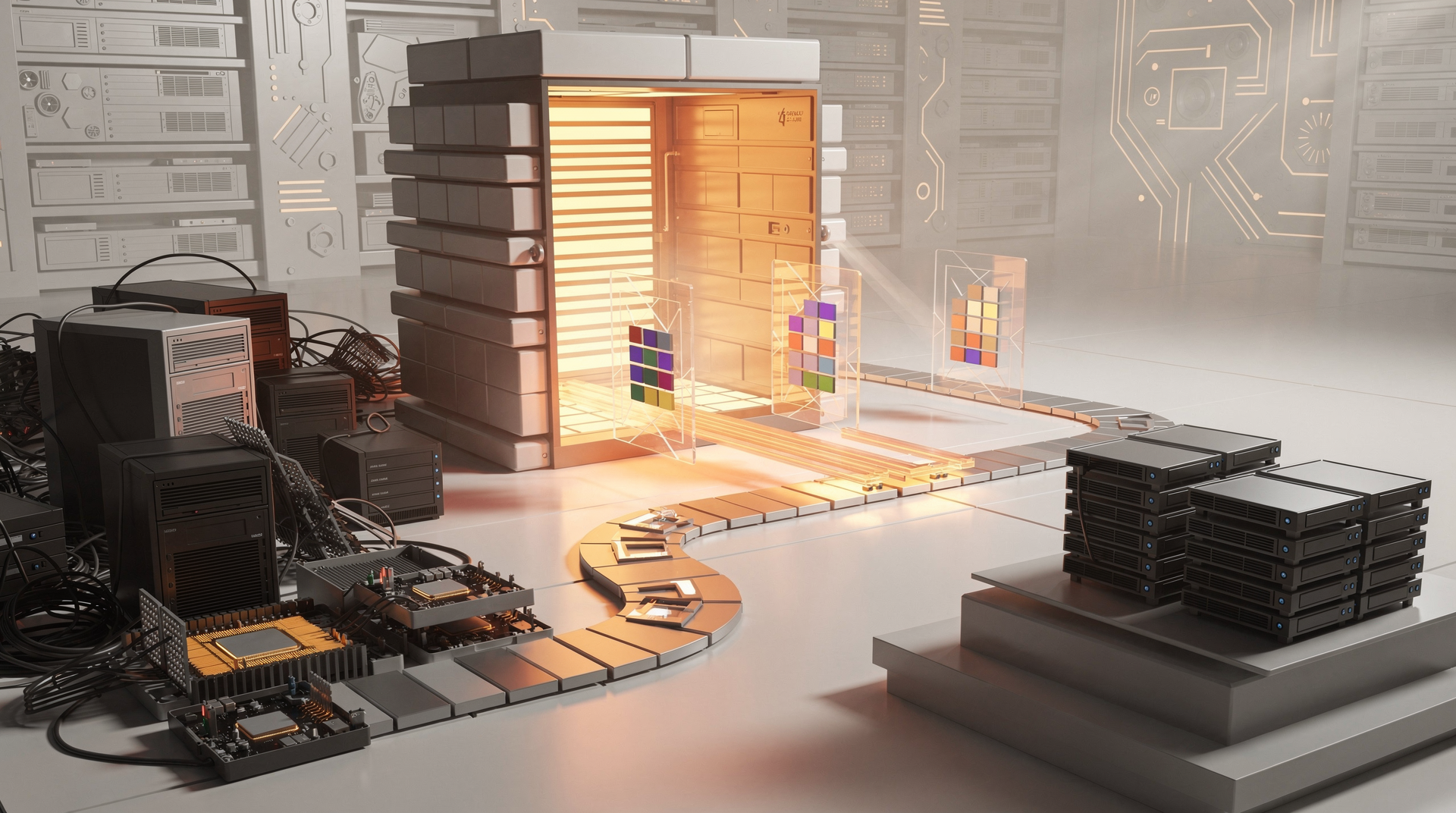
RAID, which stands for Redundant Array of Independent Disks, is a way to combine multiple hard drives or SSDs into a single logical unit. The main goals of RAID are to improve performance, increase data redundancy, or both. Different RAID levels offer different balances of these benefits. For example, RAID 1 uses mirroring to protect data, meaning it writes the same data to two drives simultaneously. If one drive fails, the other has an exact copy, preventing data loss. This makes it a good choice for critical data where uptime is important.
Understanding RAID 1
RAID 1 is all about redundancy. It works by mirroring data across two or more drives. This means that every piece of data written to the array is written to every drive in the array. The primary benefit is that if one drive fails, your system can continue to operate using the other drive(s). This provides excellent data protection against drive failure. However, the downside is that you only get the storage capacity of a single drive, as the rest are used for mirroring. For instance, if you have two 1TB drives in RAID 1, you only have 1TB of usable space.
Exploring RAID 10
RAID 10, also known as RAID 1+0, combines mirroring and striping. It requires at least four drives. Data is first mirrored (like in RAID 1) and then striped across these mirrored pairs (like in RAID 0). This offers both high performance and good fault tolerance. Striping improves read and write speeds by spreading data across multiple drives, while mirroring ensures that if one drive in a pair fails, the data is still available from its mirrored counterpart. This makes RAID 10 a popular choice for demanding applications like databases and web servers where both speed and reliability are paramount.
What is NVMe?**
NVMe (Non-Volatile Memory Express) is a different beast altogether. It's not a RAID configuration but a communication protocol and interface designed specifically for solid-state drives (SSDs) that use flash memory. NVMe allows SSDs to communicate directly with the CPU via the PCIe bus, bypassing older SATA limitations. This results in significantly faster speeds, lower latency, and higher throughput compared to traditional SATA SSDs. NVMe drives are ideal for tasks that require rapid data access, such as gaming, video editing, and running virtual machines.
Choosing the Right Storage for You
The best storage solution depends on your specific needs. If your priority is protecting critical data from drive failure with a simple setup, RAID 1 is a solid choice. For a balance of performance and redundancy, especially in business environments, RAID 10 offers a robust solution. If raw speed and low latency are paramount for demanding applications, an NVMe SSD is likely your best bet. Consider your budget, the type of data you'll be storing, and how much downtime you can tolerate when making your decision.
Conclusion
Selecting the right storage technology is key to system performance and data integrity. RAID 1 provides excellent data protection through mirroring, RAID 10 offers a powerful combination of speed and redundancy, and NVMe delivers cutting-edge performance for the most demanding tasks. By understanding the core benefits and drawbacks of each, you can confidently choose the storage solution that best fits your individual or business requirements, ensuring your data is both secure and readily accessible.