
Run AI inference on dedicated GPU infrastructure you control
Private GPU and LLM server options for teams that need local inference, data privacy, predictable performance, and no dependency on external AI runtimes.
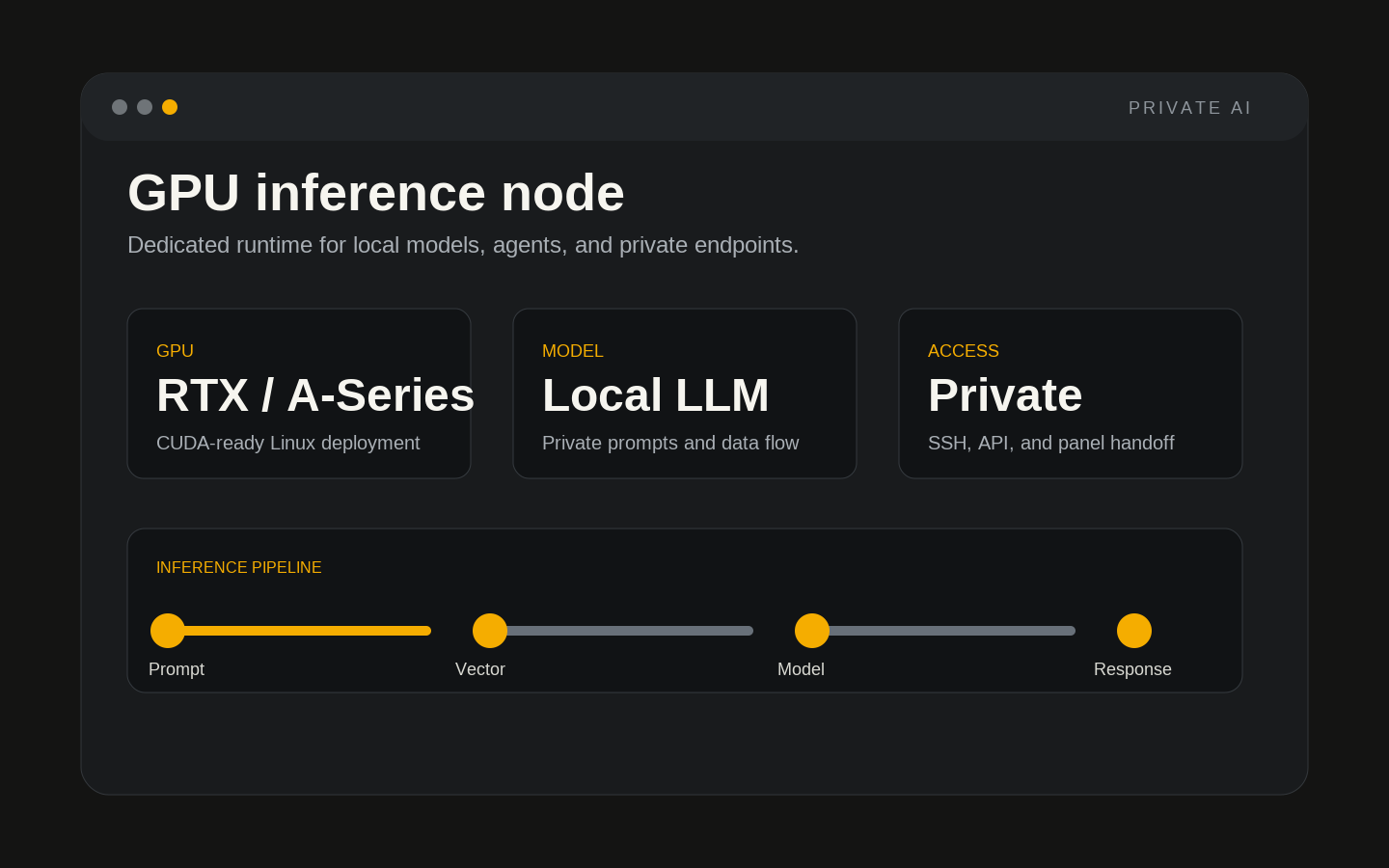
Private AI infrastructure
GPU inventory and final sizing confirmed before deployment. Management scope confirmed before deployment.
Private by design
Run model endpoints and AI tools inside your own dedicated environment.
GPU-ready infrastructure
Choose inventory around VRAM, CPU, RAM, storage, and bandwidth needs.
No external AI dependency
Keep prompts, documents, and model traffic under your deployment model.
Enterprise-grade access
Root access, private networking options, and clear operational handoff.
From AI server choice to working stack
Use the product group to compare server families, then connect the selected stack to the tools your team already uses.
Pick the AI server family
Compare GPU, Ollama, DeepSeek, and private LLM server options from one product group.
Match the workload
Use model size, expected usage, and stack preference to choose a practical starting point.
Connect the tools
Pair the AI server with hosted apps, dashboards, workflow builders, or internal services where useful.
Grow deliberately
Keep upgrade paths visible as memory, GPU, or storage requirements change.
Private AI Servers products
Pick the hosted product or private AI server family that matches the workload. Each product page keeps the same pricing and deployment language.
Ollama GPU Server
Private Ollama inference on GPU-backed dedicated infrastructure.
DeepSeek GPU Server
Private DeepSeek-style model hosting for teams that need controlled inference.
GPU AI Server
Dedicated GPU servers for inference, agents, vector workloads, and AI labs.
Private LLM Server
Self-hosted LLM infrastructure for privacy-first teams and regulated workloads.
Private AI needs infrastructure you can reason about
Model serving, RAG pipelines, internal copilots, and agent backends all become operational systems once teams rely on them. Hosthink positions GPU servers around predictable resources, private access, and a clear deployment surface instead of a black-box AI endpoint.
How much GPU memory a model needs
VRAM is the memory on the GPU; server RAM belongs to the CPU. Ollama runs a model fully on the GPU only when it fits in VRAM; otherwise part of it is loaded into system RAM and processed by the CPU, which is slower.
Scroll sideways to see all columns.
| Model class | Ollama examples (4-bit Q4_K_M download) | VRAM to plan for |
|---|---|---|
| 7–8B | llama3.1:8b · 4.9 GB qwen3:8b · 5.2 GB | 8 GB+ |
| 12–14B | gemma3:12b · 8.2 GB qwen3:14b · 9.3 GB | 16 GB+ |
| 27–32B | gemma3:27b · 17 GB qwen3:32b · 20 GB | 24 GB (short context) · 32 GB+ |
| 70B | llama3.3:70b · 43 GB llama3.1:70b · 43 GB | 48 GB (short context) · 80 GB+ |
| 235B MoE | qwen3:235b · 142 GB | 160 GB+ (multi-GPU) |
| 405B | llama3.1:405b · 243 GB | 256 GB+ (multi-GPU) |
Listed GPUs and the model sizes they suit
Read from the public Hosthink server catalog when this page is generated; stock changes over time. The Starter price is the hardware-only price of the lowest-priced in-stock GPU server, and no price on this page reserves a specific GPU: the GPU model, VRAM, location, and final monthly price are confirmed in the quote against current inventory.
Scroll sideways to see all columns.
| GPU | VRAM | Plan for (4-bit) | Catalog status | Locations |
|---|---|---|---|---|
| 1× NVIDIA RTX A4000 | 16 GB | 12–14B | Currently unavailable | Amsterdam |
| 1× NVIDIA GeForce RTX 4090 | 24 GB | 27–32B (short context) | In stock | Moscow |
| 1× NVIDIA RTX A5000 | 24 GB | 27–32B (short context) | In stock | Amsterdam |
| 1× NVIDIA GeForce RTX 3090 | 24 GB | 27–32B (short context) | Currently unavailable | Paris, Amsterdam, Moscow |
| 1× AMD Radeon AI PRO R9700 | 32 GB | 27–32B | Currently unavailable | Amsterdam |
| 1× NVIDIA GeForce RTX 5090 | 32 GB | 27–32B | Currently unavailable | Moscow |
| 2× NVIDIA GeForce RTX 4090 | 2 × 24 GB = 48 GB | 70B (short context) | In stock | Moscow |
| 2× AMD Radeon AI PRO R9700 | 2 × 32 GB = 64 GB | 70B (short context) | Currently unavailable | Moscow |
| 2× NVIDIA GeForce RTX 5090 | 2 × 32 GB = 64 GB | 70B (short context) | Currently unavailable | Paris, Amsterdam |
| 1× NVIDIA H100 80GB | 80 GB | 70B | In stock | Dallas |
| 4× NVIDIA GeForce RTX 4090 | 4 × 24 GB = 96 GB | 70B | In stock | Keflavik |
| 3× AMD Radeon AI PRO R9700 | 3 × 32 GB = 96 GB | 70B | Currently unavailable | Moscow |
| 8× NVIDIA RTX PRO 6000 Blackwell Server Edition | 8 × 96 GB = 768 GB | 405B (multi-GPU) | Currently unavailable | Tokyo, Amsterdam, Ashburn +8 |
11 other GPU listings are not shown because their catalog label does not state GPU memory unambiguously or the GPU is optional; VRAM for those is confirmed in the quote.
View GPU servers, prices, and stock · Sources, checked 2026-10-30: Ollama context length, Ollama FAQ, Ollama hardware support, Ollama library.
Starter, Pro, and Advanced plans
GPU inventory and final sizing confirmed before deployment. Management scope confirmed before deployment.
Starter
Pro
Advanced
Common questions
Do I need a GPU for every AI workload?
Can you size the server?
Is this the same as public cloud GPU?
Is server RAM the same as GPU VRAM?
Does the Starter price reserve a specific GPU?
Start with the product that fits your workload
Keep the same Hosthink design, billing, and support flow while adding AI and app workloads to your infrastructure stack.